

• About Us
  • Privacy Policy
  • DMCA
  • Editorial Policy
  • Contact Form
Thursday, December 18, 2025
  • Login
No Result
View All Result
NEWSLETTER
BOB fm
  • Home
  • Top News
  • World
  • Economy
  • science
  • Technology
  • sport
  • entertainment
  • Contact Form
  • Home
  • Top News
  • World
  • Economy
  • science
  • Technology
  • sport
  • entertainment
  • Contact Form
No Result
View All Result
BOB fm
No Result
View All Result
Home Tech

The launch of Instagram promises to revolutionize the bio; know how

CrystalNomad by CrystalNomad
April 23, 2023
in Tech
0
The launch of Instagram promises to revolutionize the bio;  know how
0
SHARES
10
VIEWS
Share on FacebookShare on Twitter
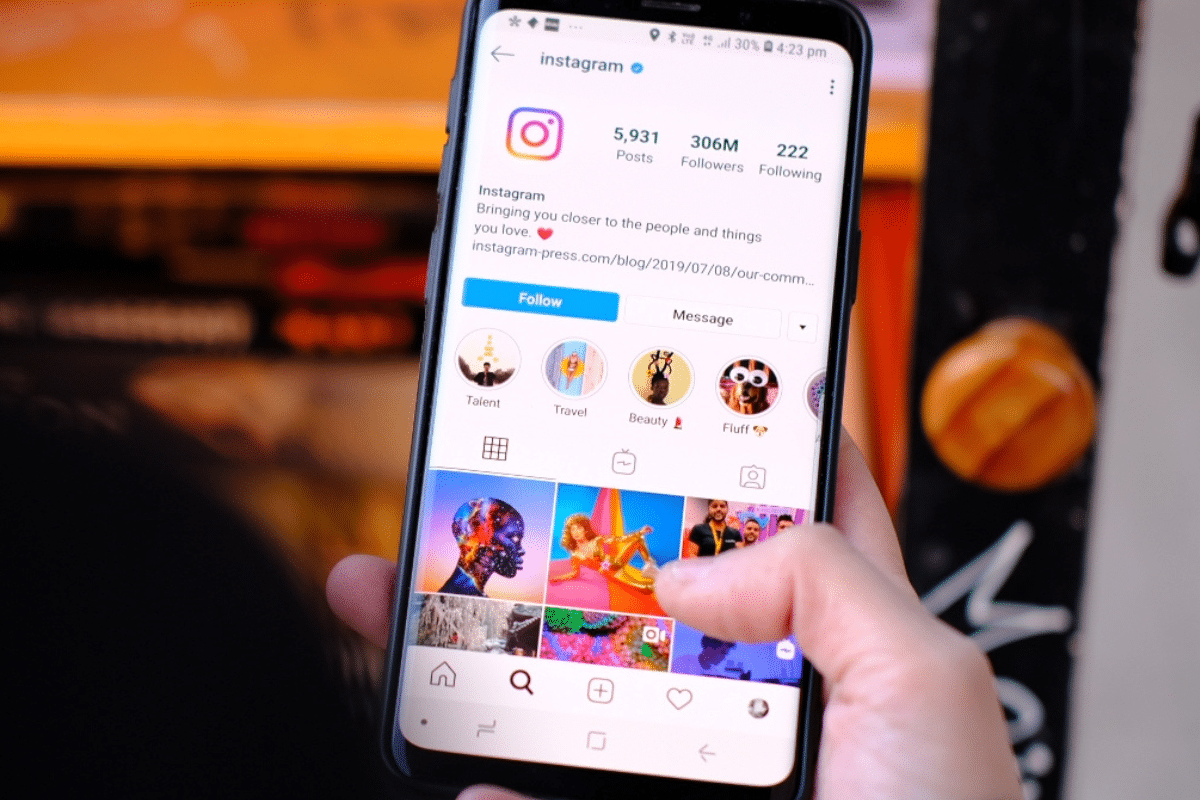
See the new functionality of the app. (reproduction / Canva)


Instagram has just released a long-awaited novelty for content creators: it is now possible to add up to five different links in the profile bio! That’s right, before it was only possible to place one address, but with this new feature you can promote several projects and sites related to your business, all in one place.

But it’s not just content creators who will benefit from this new feature, anyone who wants to promote a cause or other profiles can use this tool as well. Best of all, this functionality is available to all users, not just professional profiles.

And if you’re wondering how to add those multiple links to your bio, it’s really simple! All you need to do is follow the steps below:

  1. open the app (available for Android and iOS);
  2. Go to your profile and click on the “Edit” option.
  3. Then go to “Links” and select “Add Links”;
  4. Then choose between adding an external link or a Facebook link, paste the respective link and give it a title;
  5. Click Finish and voila, your link is now added!

The novelty was released last Tuesday (18th), therefore, many devices have not yet registered the update. This way, if your app doesn’t have the new feature, try updating it in your app store.

How to update instagram

Updating Instagram is important to keep the app working properly and to have access to new features. If you want to update it manually, follow these steps:

  • Open your phone’s app store, either the Google Play Store (for Android) or the App Store (for iPhone).
  • In the search bar, type “Instagram” and select the app.
  • If an update is available, you will see the Update button. Click on it and wait for the new version to be downloaded and installed.



Avatar for Igor Vieira


Ethics must always accompany the press, as noise accompanies the beetle.


CrystalNomad

“Friendly zombie fanatic. Analyst. Coffee buff. Professional music specialist. Communicator.”

CrystalNomad

CrystalNomad

"Friendly zombie fanatic. Analyst. Coffee buff. Professional music specialist. Communicator."

Next Post

What time does Ryan Garcia vs Gervonta Davis start in the UK/US tonight?

Leave a Reply Cancel reply

Your email address will not be published. Required fields are marked *

Navigate

  • Home
  • Top News
  • World
  • Economy
  • science
  • Technology
  • sport
  • entertainment
  • Contact Form

Pages

  • About Us
  • Privacy Policy
  • DMCA
  • Editorial Policy
  • Contact Form
  • About Us
  • Privacy Policy
  • DMCA
  • Editorial Policy
  • Contact Form

© 2025 JNews - Premium WordPress news & magazine theme by Jegtheme.

Welcome Back!

Login to your account below

Forgotten Password?

Retrieve your password

Please enter your username or email address to reset your password.

Log In
No Result
View All Result
  • About Us
  • Contact Form
  • DMCA
  • Editorial Policy
  • Privacy Policy

© 2025 JNews - Premium WordPress news & magazine theme by Jegtheme.