

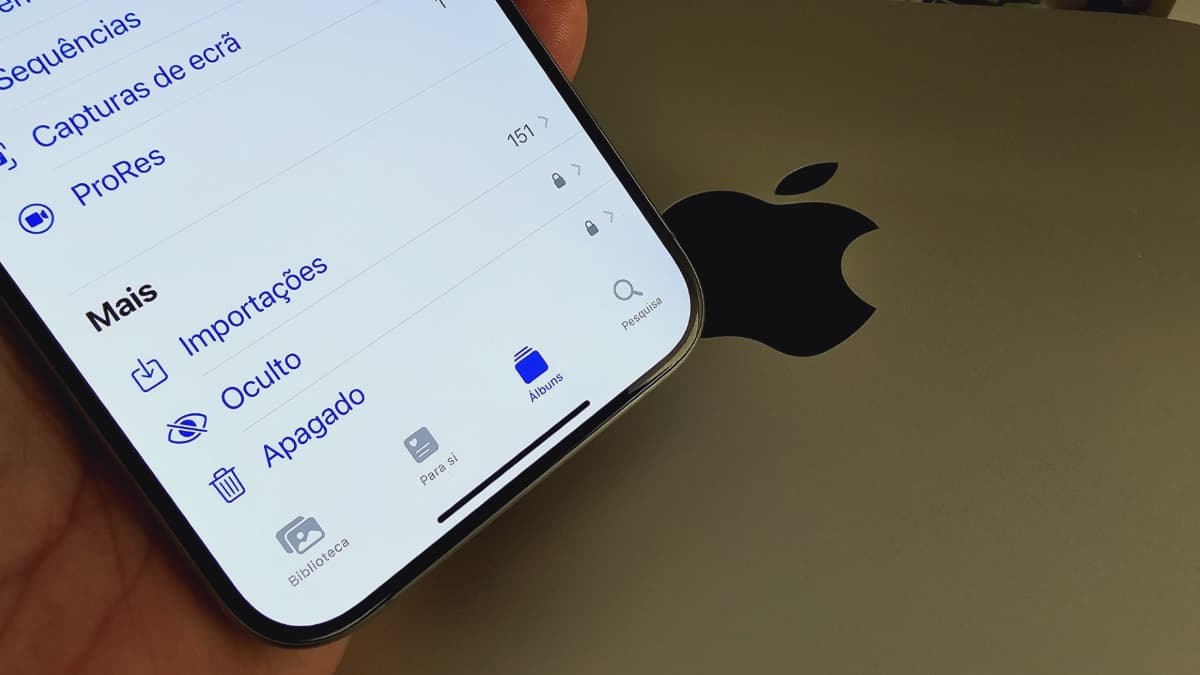
It may not have had major effects, but it may also have revived photographs, which can be compromising and even cause greater problems. Apple knows this, and in addition to being embarrassed, the company has gone to great lengths to explain to avoid further concerns about privacy, a science it uses often. So, after all, what happened?
Apple says iCloud wasn't the problem
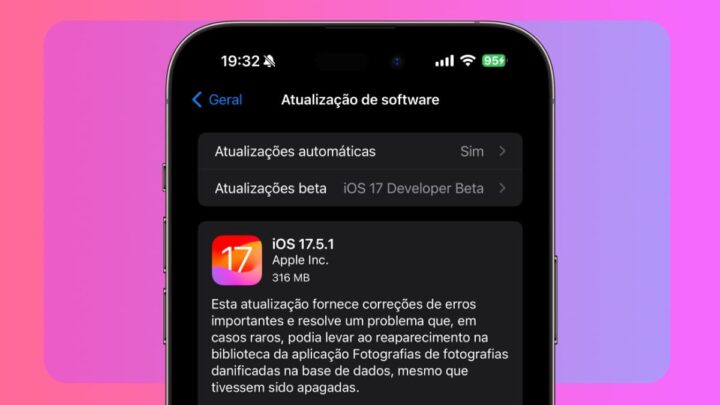
Last week, some iPhone users reported that Apple's iOS 17.5 update introduced a bug that caused old deleted photos to reappear in the Photos app.
Apple quickly released an iOS 17.5.1 update to fix the issue, but for many users, the “database corruption” explanation in the release notes was very brief and did little to allay concerns about their privacy data.
Now, Apple has provided more details about the issue and its cause. Speaking to 9to5Mac, Apple said the issue had nothing to do with iCloud Photos and that the company was never able to access deleted photos. Instead, a corrupted database entry on the affected devices was the reason for the deleted photos to appear again.
In other words, the recovered deleted photos were located locally and never left those devices.
The local database on iPhone is corrupted and only in some cases
Apple said that in some rare cases, iOS 17.5 inadvertently recovered files from corrupted data and repopulated the Photos app with deleted photos. Apple said the issue affected a small number of users and a small number of photos.
To clarify reports that some restored photos were too old, Apple said that in some cases, the corrupted data may have been copied from one device to another when restoring a local backup, performing a device-to-device transfer, or restoring an iCloud device backup (i.e. iCloud Photos not included).

One Complaint posted on Redditwhich has since been deleted, claimed that the user's photos resurfaced on an iPad that had been deleted and sold to a friend.
Apple reported that like this This cannot happen if the user wipes the device before sellingusing the Delete all content and settings option located under Definitions ➝ general ➝ Move or reset. Either the user did not perform this necessary step, or the prompt was false.
Notably, Apple's iOS 17.5.1 update to fix the issue does not remove any previously deleted photos that reappeared after updating to iOS 17.5. Hence, affected users will have to manually delete these photos again, and they will be moved to the Recently Deleted album in the Photos app. Where they will stay for 30 days.
Recently deleted photos in this folder can also be deleted immediately by selection Delete from all devices.

“Friendly zombie fanatic. Analyst. Coffee buff. Professional music specialist. Communicator.”

